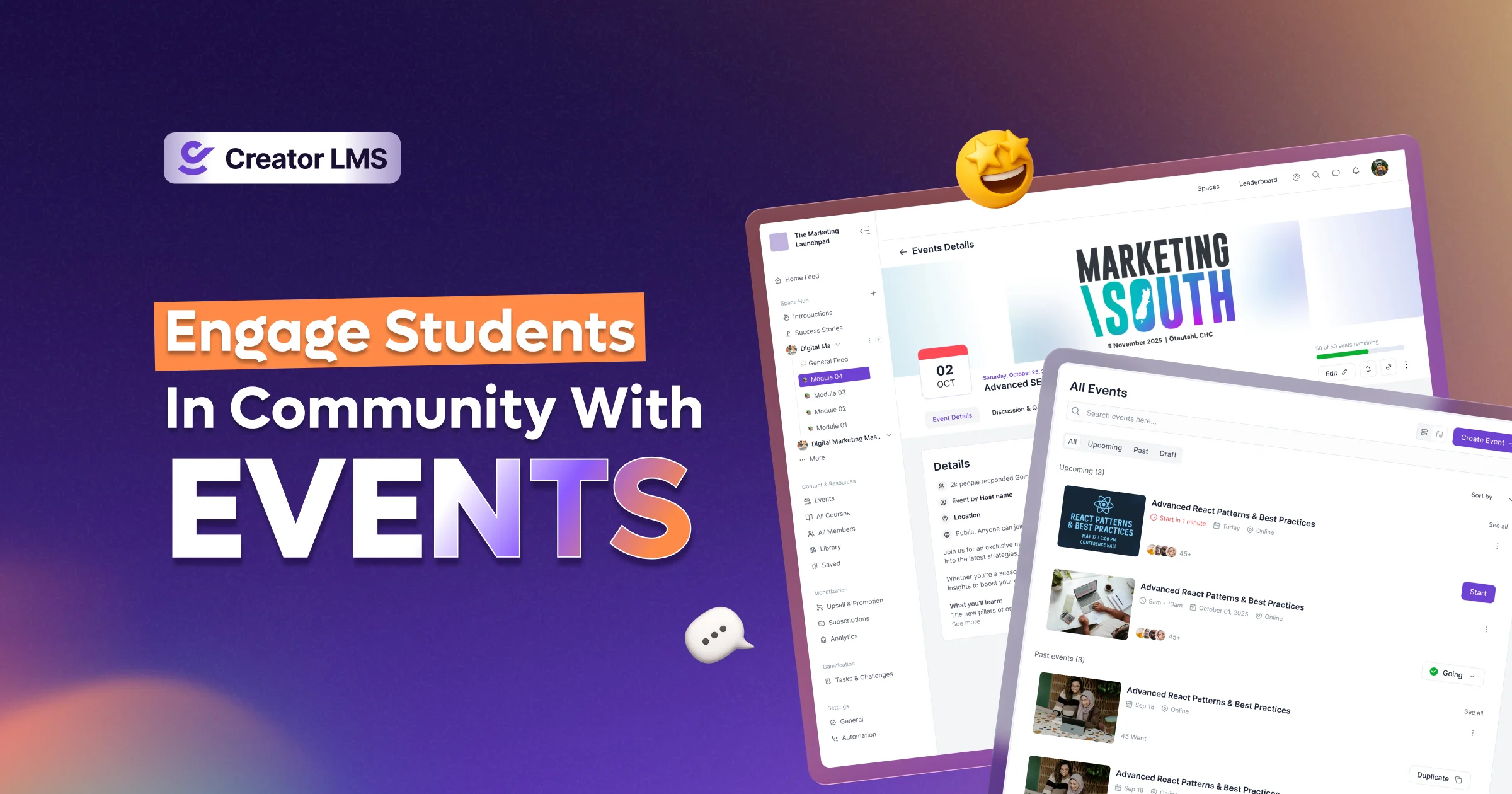

If you want to create deeper engagement, stronger connections, and a real sense of belonging in your online learning experience… this is for you.
The community is one of the most demanding features for coaches and trainers. As you connect with students during courses, communities are an integral part of your growth.
And in the community, hosting live sessions and events from time to time allows you to connect more closely with your students.
So, we’re introducing Events In Community in Creator LMS to make it easier for you to increase engagement.
What is a community-based event?
With events in community, you can host live sessions, workshops, Q&A calls, and more – directly inside your community.
How to Use Events In Creator LMS
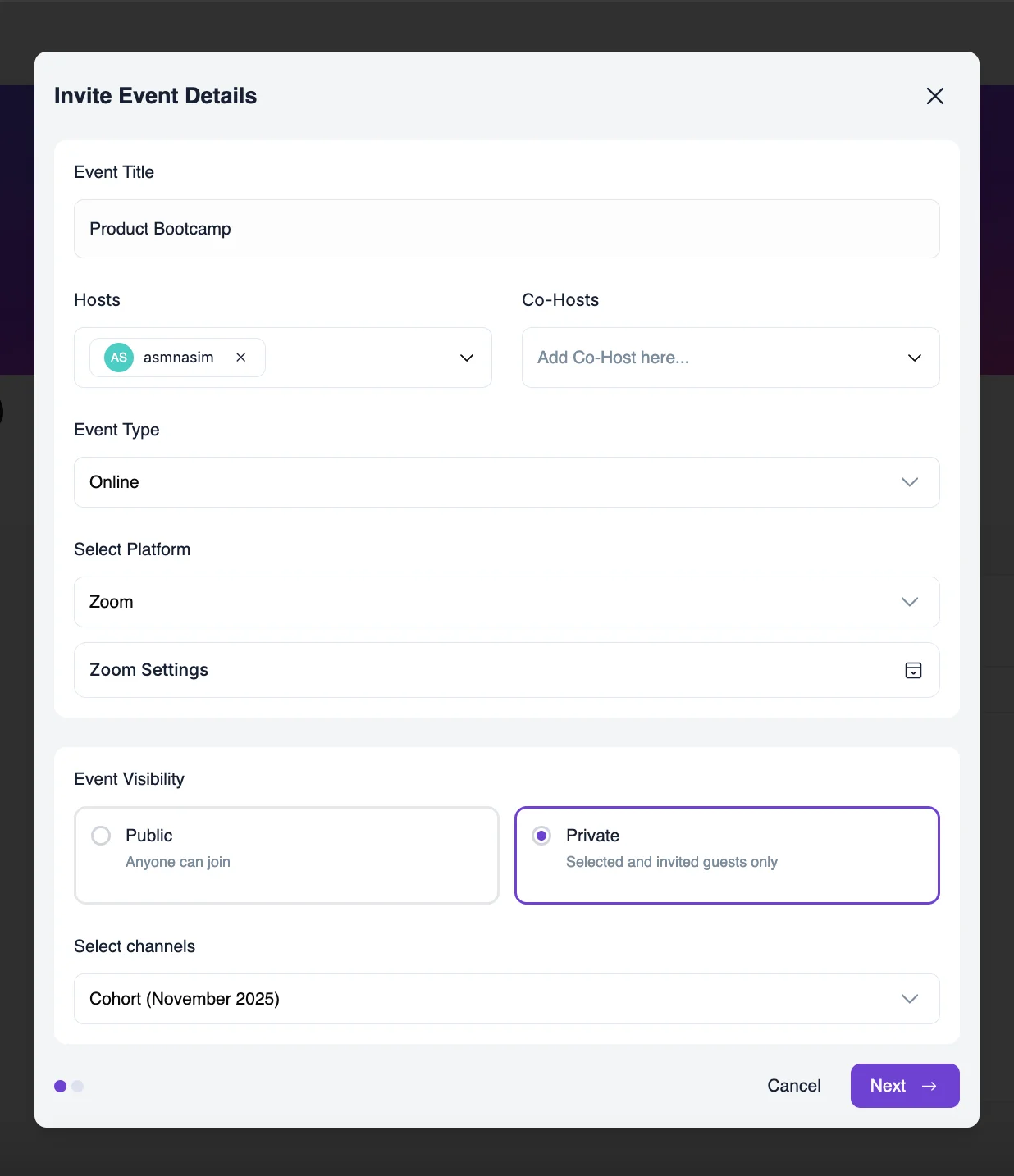
1️⃣ Create Events Directly Inside the Community
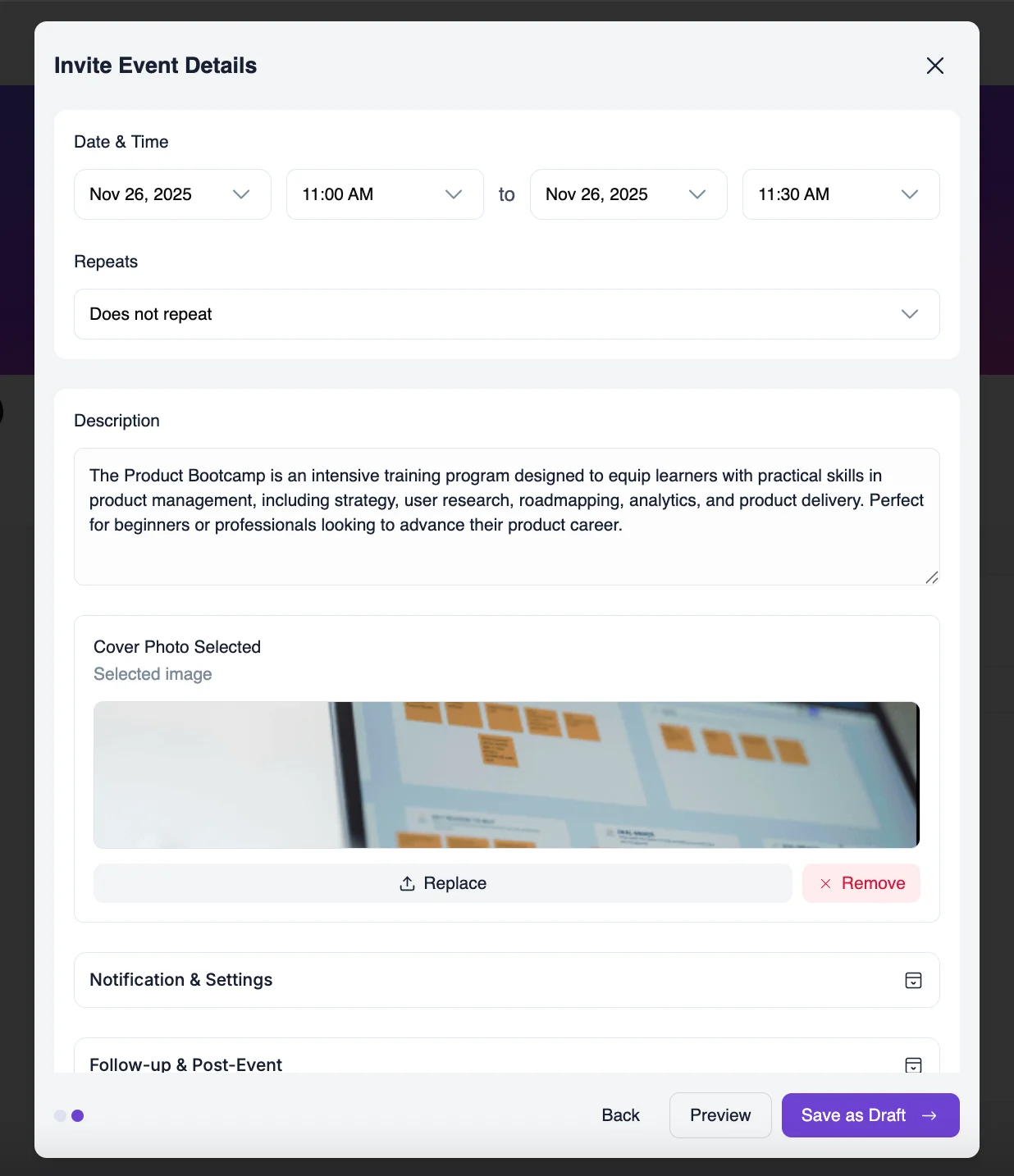
Set the event title, schedule, and details in just a few clicks.
2️⃣ Choose Who Can Attend
Make your event available to:
- All members
- Specific memberships
- Certain groups or cohorts
- Private coaching or mastermind circles
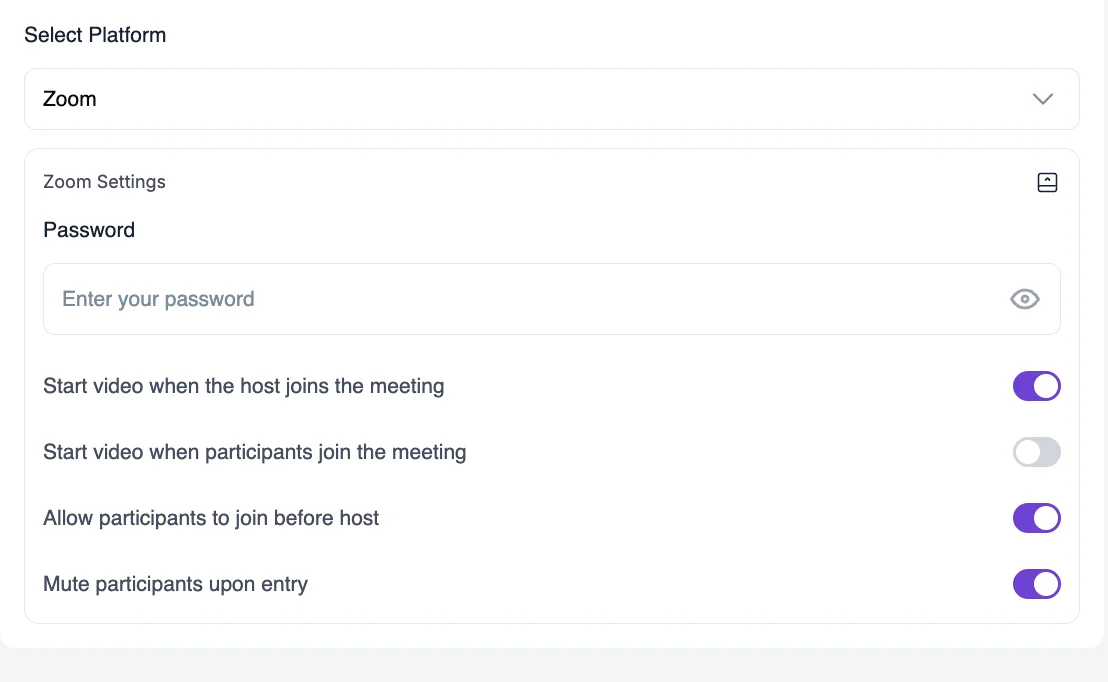
3️⃣ Add Meetings
Host events on Zoom, Google Meet (Coming Soon).
4️⃣ Add Resources Based On The Event Seriosity
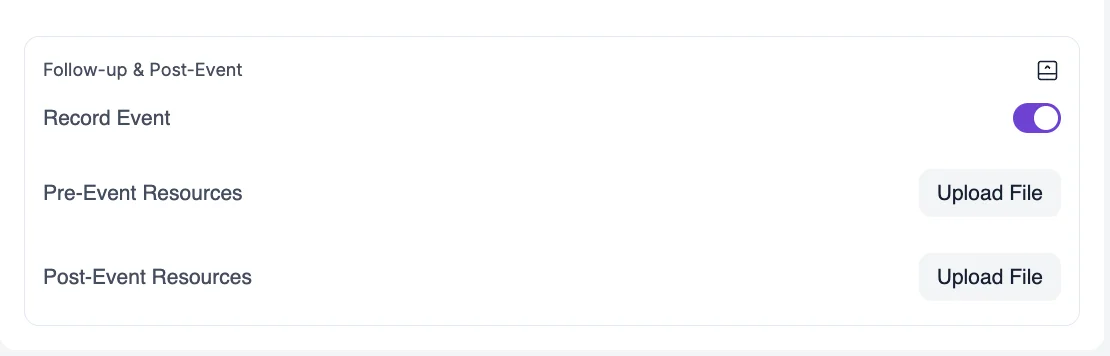
Let the system record the meeting and afterwards post that in the community. You can also add pre-event resources and post-event resources during the event creation process.
5️⃣ Built-In Visibility and Notifications
Add auto email reminders according to your needs. You can choose to send emails to the prospective attendees before the day of the actual event.
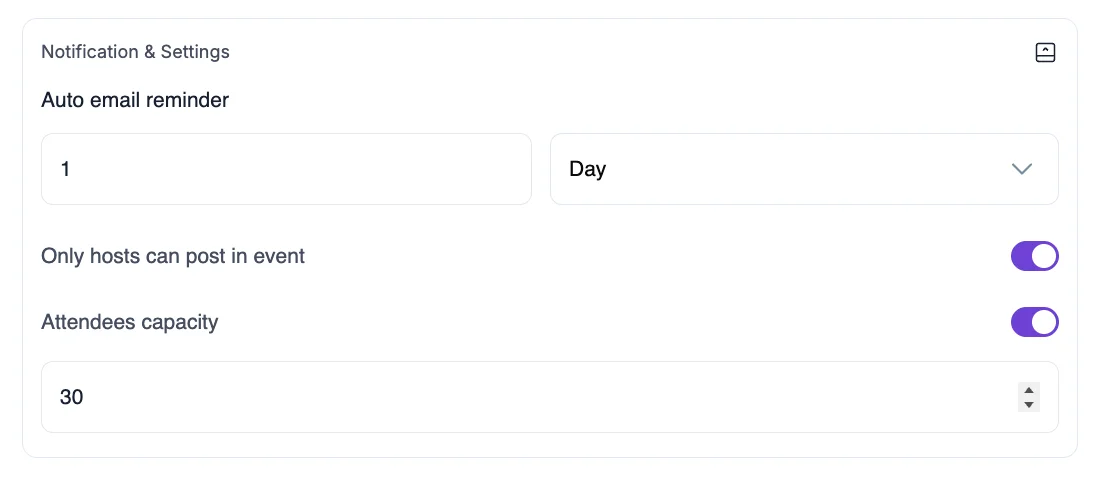
Members see upcoming events inside their dashboard, Control who can post in the events and what content they can see inside events module.
Why Events In Community Are Important
Once your students are already in your course, whether it’s self-paced or cohort, they still need a place where they can share their thoughts, ideas, and questions. And, the community gives that.
On top of that, community events are like a cherry on top. When you host events inside your community
- The student engagement rises naturally.
- They feel seen, supported, and connected with you as their mentors and with their peers as well.
- Completion and retention rates increase.
- You build a true ecosystem of growth instead of just a content library.

This is how successful communities create momentum, accountability, and drive real engagement.
Perfect For All Coaches, Trainers & Educators
- Weekly Coaching Calls
Coaches can run live weekly mentorship sessions where students bring challenges, ask questions, and apply learning. Each session builds connection, trust, and results.
- Cohort-Based Course Creators
If you run a cohort program, create milestone events like Kickoff Day, Midpoint Check-Ins, or Final Presentation Days – everything stays organized in one place.
- Membership Program Owners
Membership site owners can reward paid subscribers by giving them access to exclusive trainings and events.
- Host Guest Expert Sessions
Invite external speakers and run live masterclasses – instant value boost for your learners without using external event marketing tools.
- Businesses Delivering Internal Training
Hold onboarding sessions, team workshops, or progress reviews – keeping learning organized in the community.
Start Hosting Your First Event
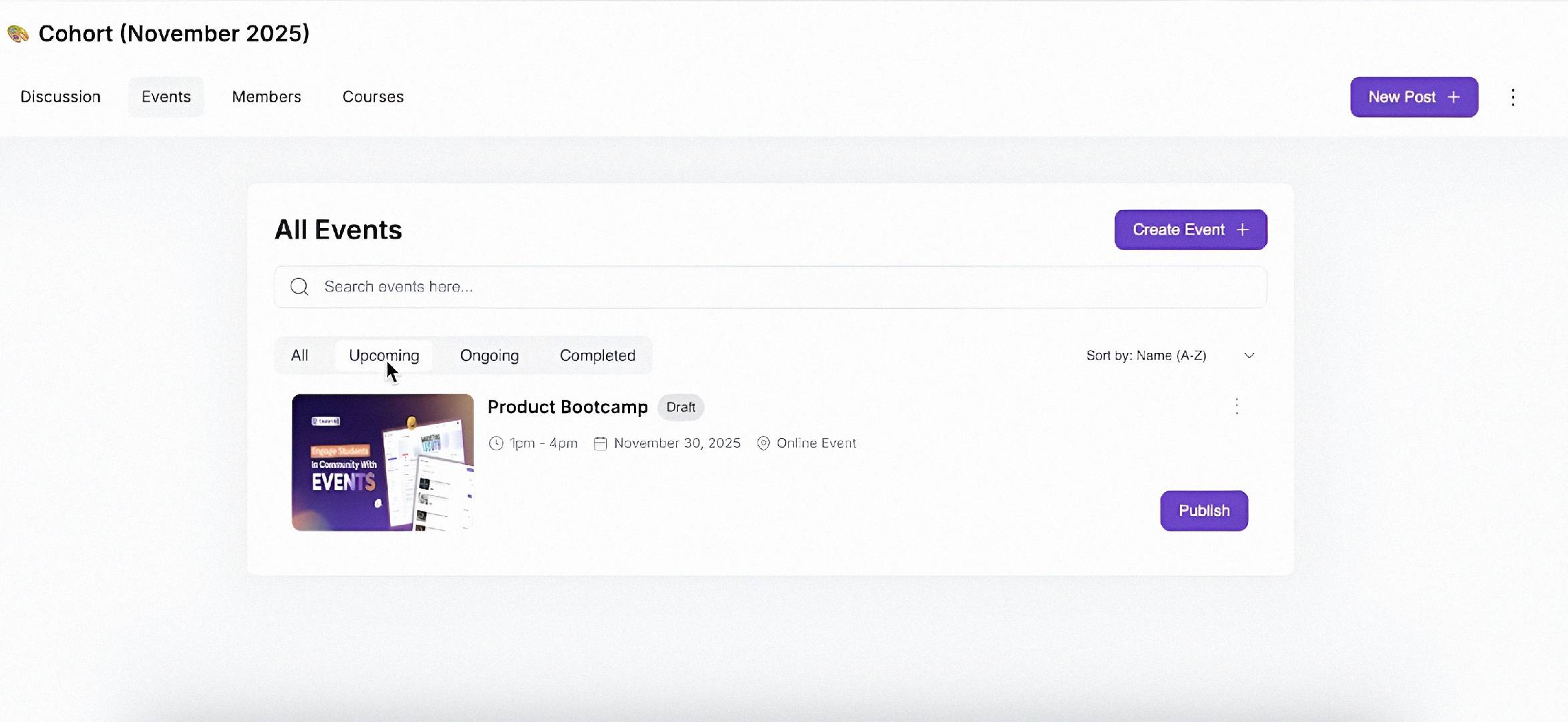
Update Creator LMS and open your Community dashboard – you’ll now see the new Events tab ready to use. Plan your first session, invite your members, and watch your community come alive.
Frequently Asked Questions
Do I need to have Zoom for Events?
Yes. Currently, we have support with Zoom for creating events in the community. Later on, we have plans to integrate more video sessions like Google Meet and Teams.
Can I host in-person events in the Community?
Yes of course! If you are a local coach and want to have an in person event with your community members, you can just add the location while creating the event. And you can add resources there as well for future reference.
How many people can join a live event?
You can limit how many attendees you want in a live session event easily during creating the event. And you can mention that in the description.
Can I embed third-party calendars in my Events space?
Not right now. The events section is set up like a calendar, with everything organized by month. If you want to bring in an external calendar like Google Calendar, you can add a link in the event description
Can I record the events in community and post them later?
Yes of course! In Zoom, we have this option for you to record and post them. On top of that you can also add pre-event and post-event resources.